Moonlock is a comprehensive cybersecurity app and antivirus for Mac users developed by MacPaw and launched in October 2025. Although macOS’s strong built-in security protection is well known and highly regarded, Moonlock adds to it with a clean and well-designed app.
Its features include a malware removal tool, built-in VPN, privacy protection, and a system protection toolkit, which essentially brings Apple’s native silent protection into something visible, manageable, and trustworthy.
Moonlock offers flexible pricing: monthly and annual subscriptions (plus one-time lifetime licenses), with discounts of up to 67%.
You can test Moonlock for a week through the 7-day free trial, and there’s a 30-day money-back guarantee for extra peace of mind.
| Antivirus | |
|---|---|
| Antimalware | |
| Antispyware | |
| Antiransomware |
When launching Moonlock for the first time, you’ll instantly notice the sleekness of the app’s interface. It follows the same design approach as other MacPaw apps: clean, intuitive, and easy to navigate.
The app is organized into six main sections: Home (your security dashboard), Malware Scanner, VPN, Network Inspector, System Protection, and Security Advisor.
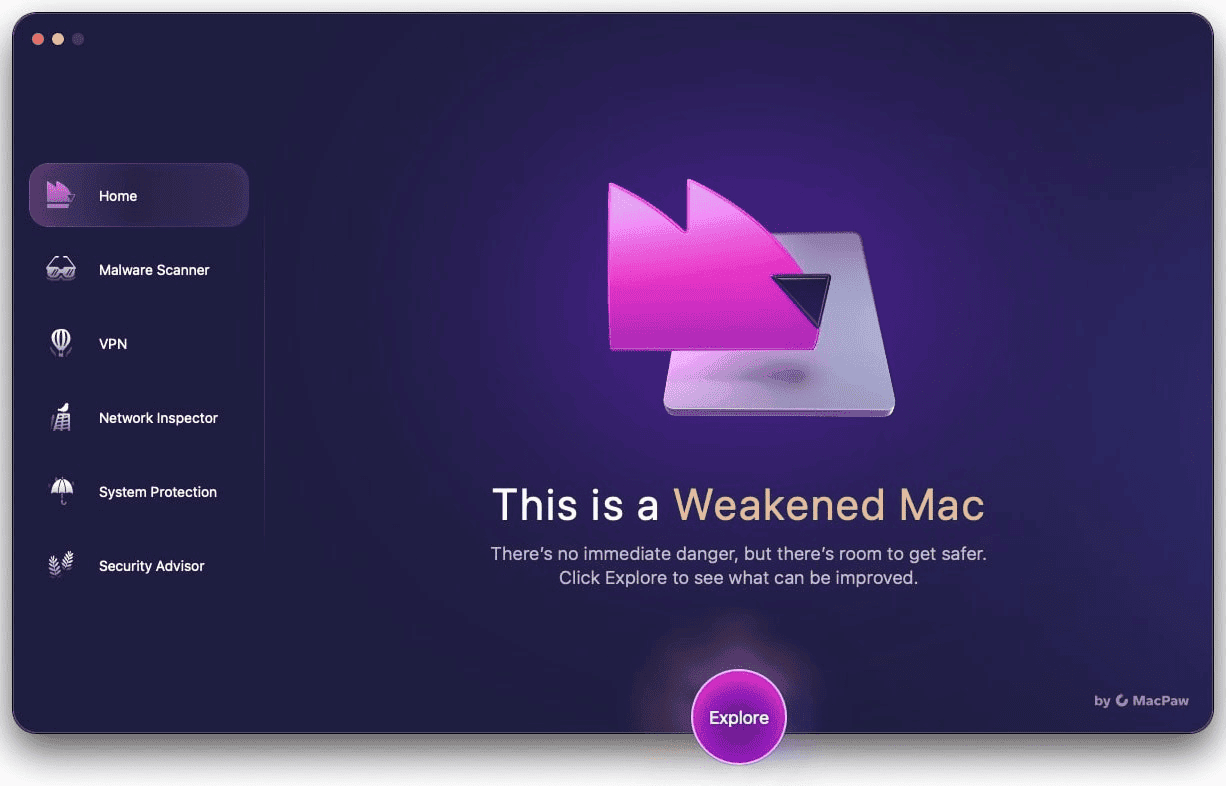


The Home dashboard serves as your security control center, split into two panels.
On the right, an activity and protection panel displays information about real-time protection status, detection history, scan scheduling, malware database data, and other relevant data.
On the left side, there’s advice on what to take action on, along with links to cybersecurity educational videos and manuals.
| Comprehensive scans | |
|---|---|
| Deep scans | |
| Selective scans | |
| Custom scans |
The malware scanner includes three scanning options, each with a specific set that goes as follows:
| Settings/Scan type | Quick | Balanced | Deep |
|---|---|---|---|
| Speed | Fast | Moderate | Slow |
| Depth | Surface-level | Intermediate | Comprehensive |
| Scans disk images (DMG) | |||
| Scans packages (PKG) | – | ||
| Scans archives | – | – |
It’s not possible to change scan setups, but you can tweak Moonlock's continuous monitoring settings. One option is to turn on real-time protection, and another is to enable real-time script scanning.
Moonlock's antivirus performed well in our EICAR-based antimalware tests. All files downloaded from the website were instantly flagged and blocked from downloading.
We also created a new malware file manually using TextEdit and EICAR’s malware test string to check Moonlock's antivirus depth. One second after saving the file, Moonlock detected and quarantined it.
Conversely, malware protection failed when testing the antivirus with AMTSO files. Although these files use the same EICAR signature, Moonlock didn’t detect them with real-time protection or manual scans.
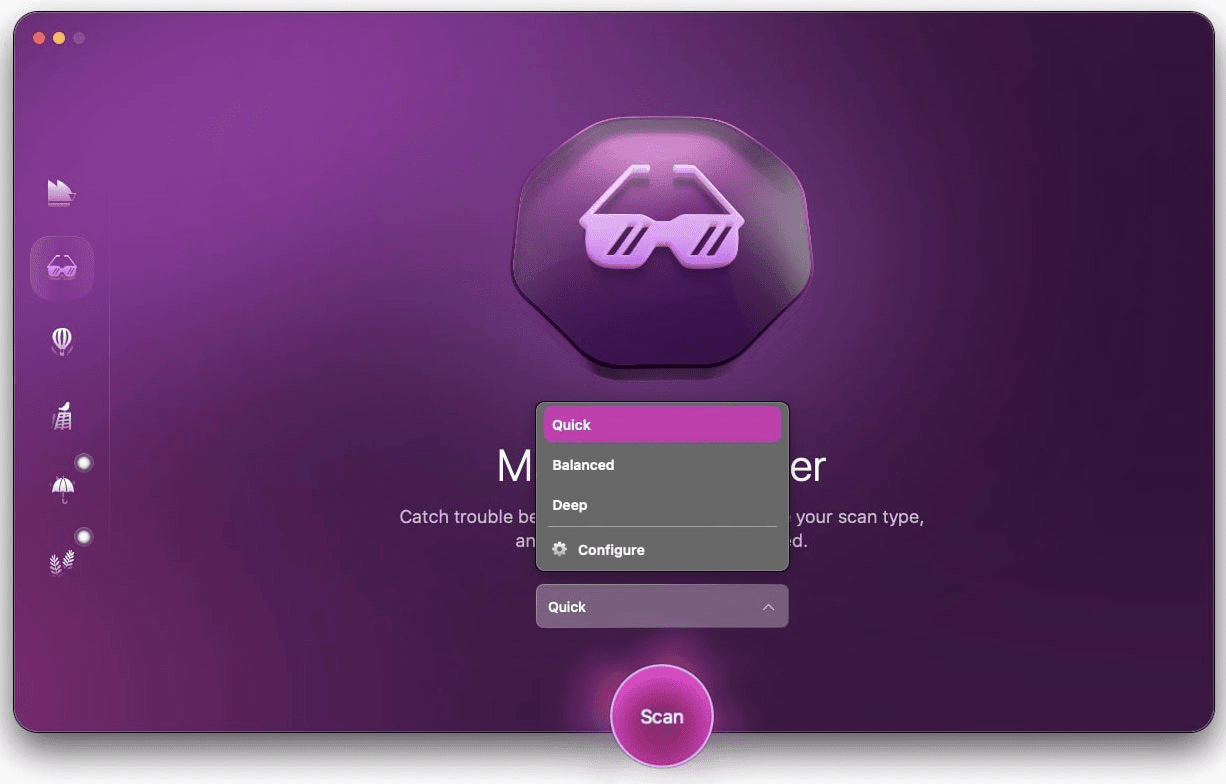


While you can schedule scans daily, weekly, and monthly in 15-minute intervals, there’s no option to create custom scans targeting specific folders or file paths – a limitation that makes testing less efficient when you know exactly where to look for threats.
In terms of performance, there were no significant peaks in CPU usage, and we were able to run scans in the background while working without issues.

Ultimately, if you’re looking for everyday malware protection for typical Mac use, Moonlock provides reliable coverage. However, power users requiring granular control may prefer alternatives like Malwarebytes for Mac or Bitdefender.
| Wi-Fi inspection | |
|---|---|
| Firewall | |
| Secure browsing | |
| Parental control |
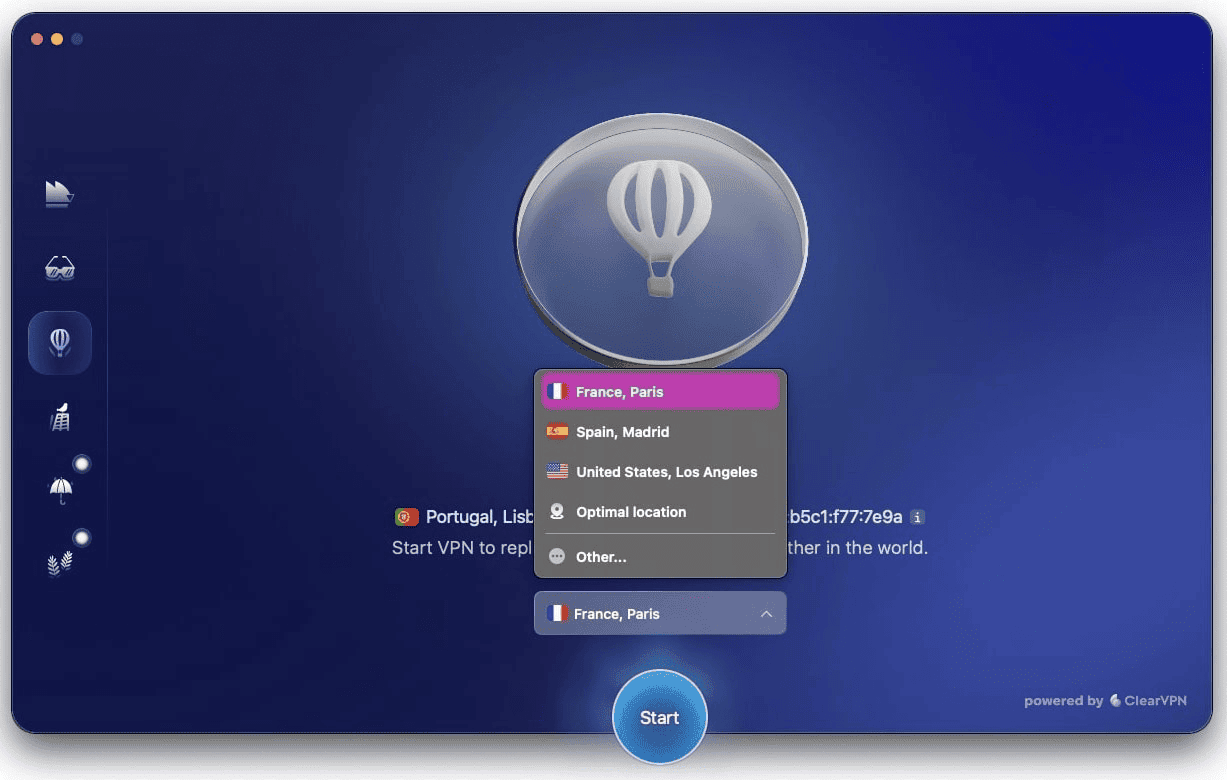
Moonlock VPN is a simplified version of MacPaw’s ClearVPN, which includes around 60 server locations in more than 45 countries.
The simplicity of the VPN is commendable, allowing for instant connection to a server with a single click. This is possible because there aren’t many setup options beyond enabling the kill switch or selecting the VPN to connect to an optimal server automatically.
Moonlock VPN showed no DNS or WebRTC leaks, guaranteeing complete privacy when using it. It’s also worth noting that MacPaw maintains a strict no-logs policy, meaning your browsing activity isn’t tracked or stored.
We tested the VPN from Europe, considering a baseline speed of 605 Mbps for download, 594 Mbps for upload, and a 5ms ping. Here are our test results:
| Location | Download (Mbps) | Upload (Mbps) | Ping (ms) |
|---|---|---|---|
| Los Angeles, CA, U.S. | 497 | 171 | 154 |
| Madrid, Spain | 581 | 344 | 22 |
| Paris, France | 571 | 104 | 42 |
Moonlock VPN performed outstandingly well. It retained 82% of the download speed on a transatlantic connection and up to 96% on closer distances.
However, upload speeds are weaker. The retention rate didn’t exceed 58%, and in some cases, the VPN was only able to retain 17% of the original speed.
Considering our location (Europe), the main takeaway is that Moonlock VPN experiences almost no speed loss when it comes to downloads. On the other hand, users will notice that it underperforms on activities that require fast upload speeds.


The network inspector feature enhances Moonlock's privacy protection. It’s essentially a geo-filtering firewall that allows you to block data sharing for specific countries.
For example, if you choose to block North Korea, Moonlock restricts all outbound traffic to that region, protecting your data.
| Device cleanup | |
|---|---|
| Software updater | |
| Data backup |
Apple includes outstanding built-in security tools, but navigating and configuring them can be overwhelming for non-technical users. That’s where Moonlock's System Protection feature proves invaluable.
It provides clear and objective instructions on how to enhance your Mac computer’s security to the highest level, with step-by-step guides on how to implement each one. Here are of the suggestions provided:
Lastly, Moonlock includes a security advisor that’s essentially an online safety checklist. It clearly explains which habits you should adhere to, with the option to commit to each one individually.


While it may not be beneficial for cybersecurity experts, this purely informative feature can be of great assistance to less tech-savvy users.
| Lowest price | $4.50/mo |
| Free trial | 7 days |
| Money-back guarantee | 30 Day(s) |
| Free version |
Moonlock's pricing plans cater to all needs, without locking features behind different price points.
There are monthly, annual, and lifetime memberships for one, two, or five Mac devices. As is customary, the more devices you choose and the longer you commit, the lower the price will be.
The most affordable option is the annual subscription for one device, which costs $54 per year (translating into $4.50 per month). When compared to monthly subscriptions, annual plans offer discounts of up to 67%.
Alternatively, Moonlock's lifetime licenses range from $150 to $480, depending on the number of devices you choose.
Compared to monthly or annual subscriptions, purchasing a lifetime membership is the best option if you plan on using Moonlock for over three years, which is when it becomes more cost-effective than going for an annual plan.
Moonlock is positioned at the mid-to-high end of the Mac security software market (similar to Norton and Intego). While the pricing may seem steep for users seeking only basic antivirus protection, the comprehensive package (including VPN, geo-filtering, and educational guidance) provides genuine value for everyday users who want an all-in-one solution without technical complexity.
MacPaw accepts refunds within 30 days of purchase, and before purchasing, you can use Moonlock's 7-day free trial to test the macOS security software.
| 24/7 | |
| Live chat | |
| Phone |
MacPaw offers a wide range of support resources, including blog articles, FAQs, a knowledge base, and video tutorials. When human support is required, you can use a contact form or live chat.
After reaching out via live chat, we got a reply in seconds.
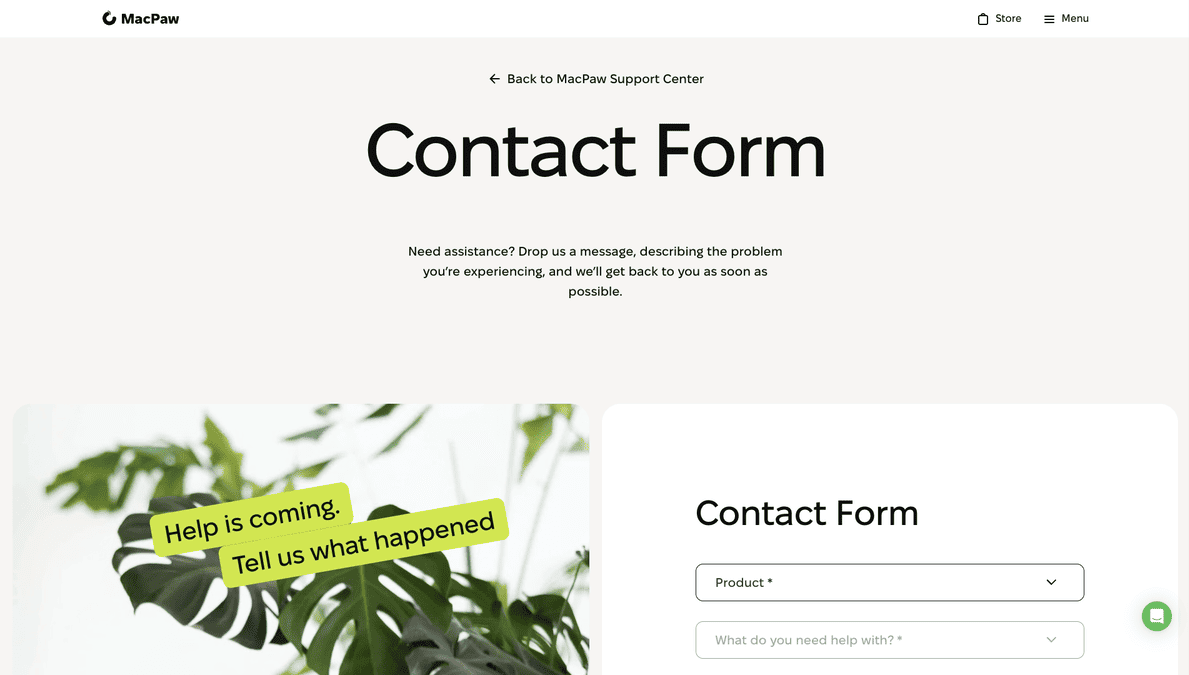
The agent escalated our issue to the technical team, and we received a comprehensive solution via email within five hours – well within the typical 24-hour response window for non-urgent queries.
The excellent customer support experience is perfectly reflected by the online community’s feedback, as evidenced by its high TrustPilot rating. As mentioned by the user Michael Convery:
“Very fast response! Very complete answer… problem solved!!
Those looking to check Moonlock's social media channels can visit its pages on Facebook, TikTok, Instagram, YouTube, X, and Reddit.
Moonlock is an attractive Mac security app that definitely enhances the security that Apple already delivers, allowing you to monitor and track your Mac’s overall security more efficiently.
It offers decent malware detection, excellent VPN download performance without DNS leaks, geo-filtering firewall, and security hardening guides with uncomplicated safety checklists – all while not bogging down the CPU.

However, Moonlock has some limitations, such as the inability to detect a few AMTSO-based malware test files and the lack of custom scans.
These drawbacks, combined with mid-to-high pricing, may affect its value proposition for advanced users or those on a tight budget.
That being said, as a newly launched product, Moonlock will likely continue to evolve and improve based on user feedback.
Ultimately, Moonlock remains an excellent choice for everyday users, particularly those lacking essential cybersecurity knowledge.
If you’re in doubt, you can always try the app via its 7-day free trial or use the 30-day money-back guarantee as a financial safety net.
Moonlock is a macOS antivirus developed by MacPaw, which offers real-time malware protection, safe browsing, privacy tools, and expert guidance to improve your Mac’s overall security.
Yes, Moonlock is a legitimate app developed by MacPaw (also known for CleanMyMac, ClearVPN, Gemini 2, etc.), launched in 2025.
No, Moonlock isn’t free. However, it offers a 7-day free trial (credit card required).
It isn’t a matter of being better or worse. Moonlock works in conjunction with Apple’s built-in security features, providing an additional layer of protection. It offers an intuitive interface and a dedicated engine for detecting malware, transforming silent protection into visible and controllable protection.
The Best Reviews team researches and tests all products first-hand. We've been reviewing products and services since 2012 and are proud to only publish human-created content.





Share your thoughts, ask questions, and connect with other users. Your feedback helps our community make better decisions.
©2012-2025 Best Reviews, a clovio brand –
All rights
reserved