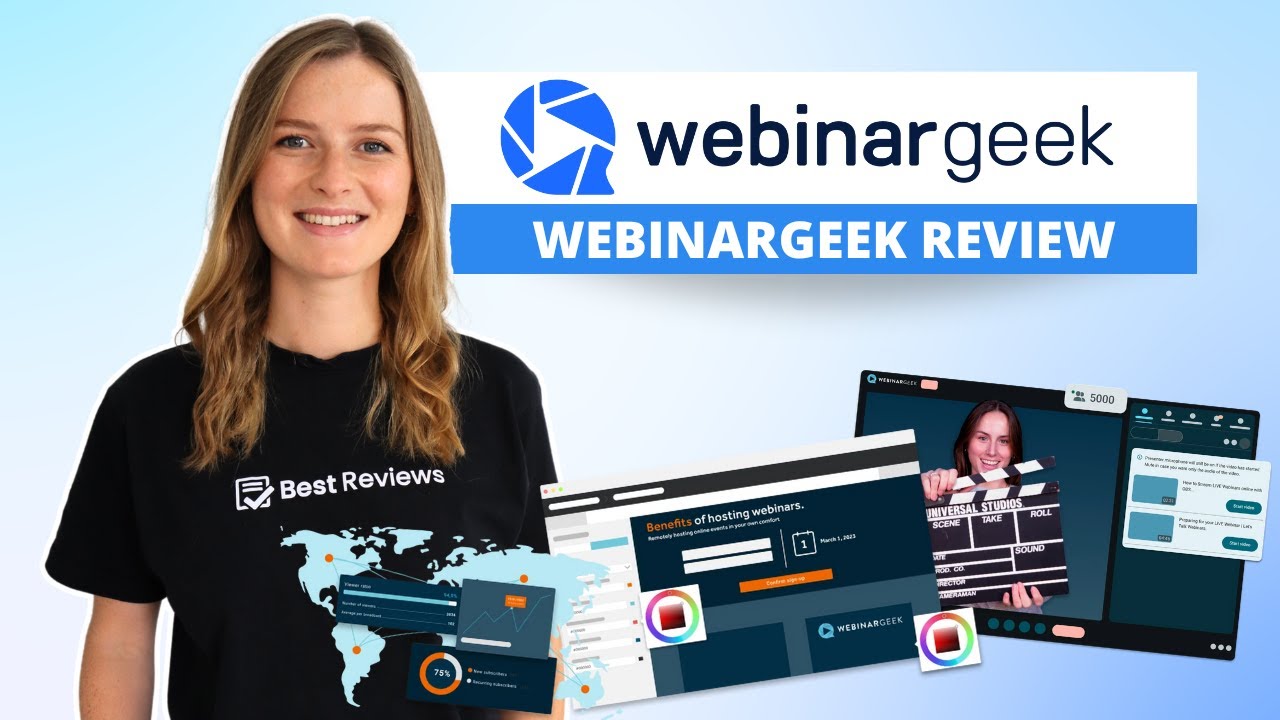
WebinarGeek is a browser-based webinar solution based in the Netherlands that offers businesses a straightforward way to create live, automated, on-demand, hybrid, and paid webinars. Its features include a real-time editor, custom CSS, custom branding, password protection, live Q&A, collaboration tools, analytics, reports, and integrations.
The cheapest subscription option costs $59 per month, billed annually, and includes a 25% discount. Although there’s no money-back guarantee policy, WebinarGeek offers an unlimited 14-day free trial that lets you try the service without strings attached.
| Maximum attendees | 5,000 |
|---|---|
| Maximum hosts | 100 |
| Maximum active webcams | 100 |
| Maximum active mics | 100 |
WebinarGeek offers multiple options for creating webinars according to the user’s goals, but before creating your first webinar, you should configure your organization’s settings. These include options for adding multiple users with different roles, branding, payments, security, integrations, and API.
For example, you can customize the general appearance of your webinar themes, team labels, and custom CSS. We especially liked the IP filtering function and the email and domain blocklist, which provides an additional layer of control and security over webinars.
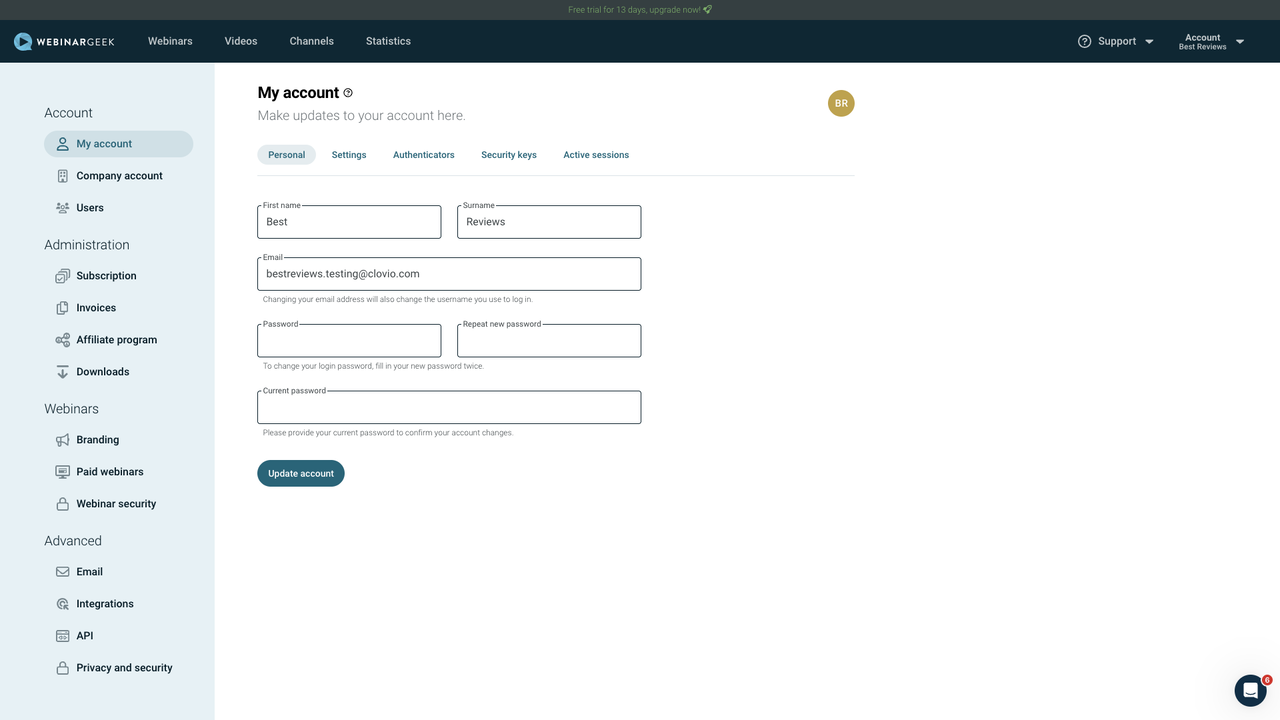


When creating a new webinar, users have four main options to choose from:

After selecting a type of webinar, users must choose from three access settings: public, unlisted, and private.
| Public | Unlisted | Private |
|---|---|---|
| Open registration via public page | Closed registration via a hidden page | Registrations closed. You must manually register individuals |
| Widely accessible and searchable on search engines | Limited to invited individuals | Limited to manually registered users |
All webinars created with WebinarGeek require users to fill in their information, such as internal title, description, language, estimated duration, and webinar team members. These details are essential for SEO and are used for calendar invites.
We especially liked the possibility of choosing up to ten languages, including English, German, Spanish, Italian, and Swedish. This is convenient since the registration page, webinar page, interactions, and emails will be auto-generated in your chosen language.
Regardless of the type of webinar chosen, users can schedule broadcasts ahead of time, with the option to create multiple custom instances or fixed recurring broadcasts. Configuring the webinar team is also possible, with support for up to 50 team members.

Automated webinars have an additional option – Just-in-Time – that broadcasts an automated webinar in small intervals as frequently as every five minutes. This allows visitors to join a webinar without having to wait, increasing the chance of immediate engagement.
The main webinar options include turning on replays, with options to limit their availability and choose whether to replay the original chat, show Q&A, or accept questions. Additionally, there’s the option to connect webinars and copy the data from previous ones. This includes copying specific elements, from emails and interactions to videos and webinar teams.
WebinarGeek specializes in advanced customization. This includes registration fields, page design, embed forms, payments, chat, interactions, and integrations. While this kind of customization is welcomed by most, users looking for a plug and play webinar solution might need more time to understand how it works.

WebinarGeek provides several customization options, especially for registration pages. This contributes to more in-depth control over the user experience when registering.


After customizing the registration page, you can edit in detail how the webinar will work. This starts with choosing a placeholder for the beginning and end of webinars and setting up an external encoder (RTPM) for streaming, though this option is an add-on exclusive to enterprise-level subscriptions.
Like most webinar solutions, WebinarGeek allows you to upload presentations beforehand, supporting PDF files, images, and screen sharing. Video injections are also available, allowing you to add YouTube videos or upload your own, with support for the most popular extensions, including mp4, mov, webm, mpeg, and wmv.
Your webinar’s chat settings can also be thoroughly customized, with the option to make them public, private, or limited. In addition, you can choose to forward private chat questions to your email and set up automation rules for assigning chats to multiple moderators according to your preference. Regarding Q&As, you can either make them public, restricted, or completely turned off.


After each webinar, you choose to show a designated sales page or redirect users to a custom page, and provide attendees with an evaluation form. Additionally, there are three customizable attendee stage access options: invite only, raise hand, and on their own. It allows them to share their screen, see the list of viewers, and see AI live captions.
WebinarGeek provides multiple ways of interacting with the audience besides via chat, with customizable calls to action, polls, and assessments with different criteria. Plus, you can tailor emails according to your brand.
In addition to all the advanced features, you can easily track your webinar’s performance with AI analysis. The insights provided are excellent for optimizing webinars according to your goals.


WebinarGeek integrates with many services for analytics, automation, CRM, email marketing, and payment processing. It’s compatible with services such as Meta Pixel, Zapier, Webhooks, HubSpot, Mailchimp, and Stripe. Unfortunately, some integrations are add-ons, meaning they will increase your subscription’s monthly price.
It’s always better to ensure webinars are protected, and to address that, WebinarGeek offers a few security options. It allows you to password-protect all webinars, enable ReCaptcha, and block specific IP and email addresses.


WebinarGeek is a browser-based solution that works with Google Chrome, Microsoft Edge, Vivaldi, Brave, Safari 15.6+, and Firefox 78+. As usual, with this type of solution, as long as you have one of these browsers, WebinarGeek will work perfectly.
| Lowest price | $59/mo |
| Free trial | 14 days |
| Money-back guarantee | |
| Free version |
All WebinarGeek subscriptions include a monthly and annual option, and choosing the latter is always the better deal. There’s also a 14-day free trial that allows you to create your first webinars for free to see how the platform works.
The cheapest option is Basic, which costs $59 per month and is billed annually. It includes support for live and on-demand webinars with a 2-hour limit, one presenter, up to 50 viewers, limited branding, and two-step verification.
Users get the highest discount by opting for a yearly Premium subscription, which provides savings of over $400. It offers a more comprehensive package, including automated webinars, up to 100 presenters, 125 viewers, 8-hour sessions, custom branding, and marketing integrations. For an additional monthly charge, users can expand the viewer limit to up to 1,000.
Enterprises can also access WebinarGeek for $349 per month. This plan adds business-level features on top of all that Premium offers: a 12-hour session limit, 500 viewers, RTPM, SLA and phone support, onboarding training, a dedicated customer success manager, and extra users.
Plus, WebinarGeek has a thorough product demo, which lets you book a free meeting with a representative to learn more about this webinar solution in detail. For purchases, this company accepts credit cards and pre-authorized debit payments via iDEAL, Bancontact, or SOFORT.
| 24/7 | |
| Live chat | |
| Phone |
WebinarGeek excels in support resources, offering numerous options for getting to know the platform. Its in-depth learning center includes an academy with videos and guides for all expertise levels, tutorials, documentation, and WebinarGeek's webinars. Furthermore, our experience with its customer support was excellent.
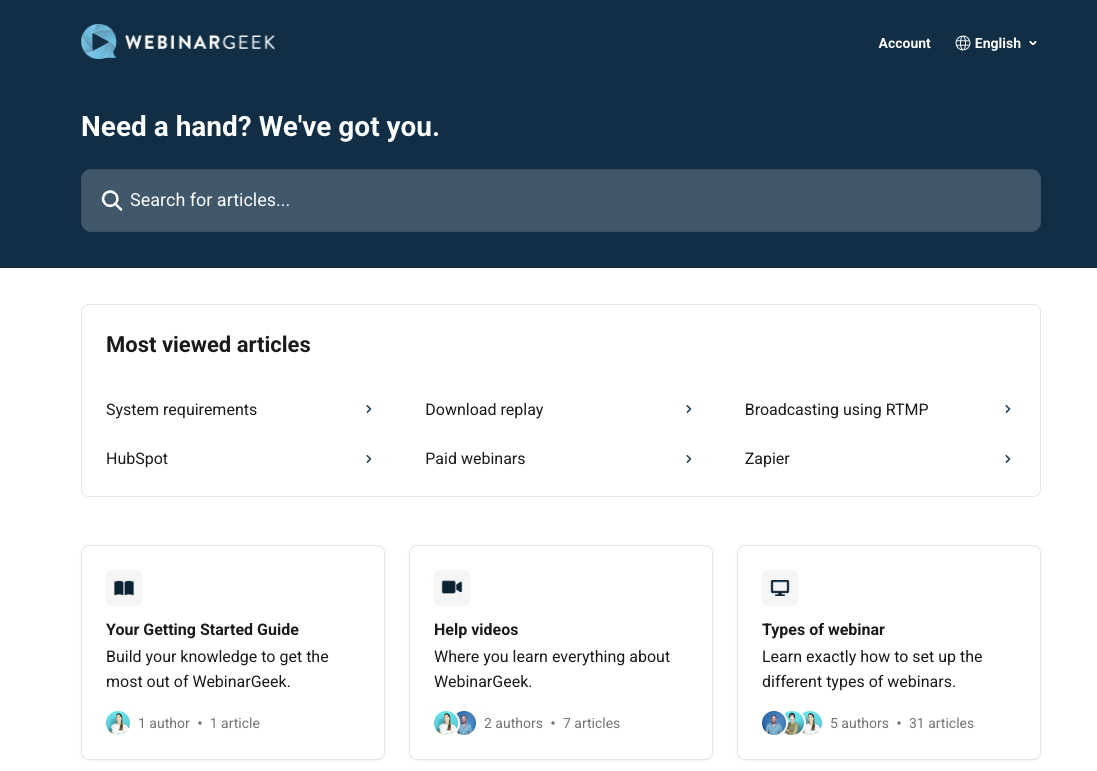
After contacting them via live chat, we received cordial and super-fast replies. This isn’t surprising, considering the overwhelmingly positive feedback WebinarGeek recieves from its customers.
In addition to a live chat, users can also contact the team via email or phone, with designated numbers for the U.S., UK, and the Netherlands.
WebinarGeek is a feature-rich and versatile webinar solution that allows the customer to control every aspect of a webinar. Its thorough customization options, combined with robust security, plenty of integration options, and multilingual support, truly make it shine.

Plus, its customer support resources are among the best we’ve seen, leaving no room for doubt about how the platform works. While it limits automated webinars to premium subscriptions and integrations, which might cost more monthly, these aren’t dealbreakers.
We recommend making the most of the unlimited 14-day free trial and then opt for an annual Premium subscription, which provides significant monthly savings.
WebinarGeek is webinar software that provides businesses an easy way to create live, automated, on-demand, hybrid, and paid webinars.
Yes, WebinarGeek is a legitimate web conference software founded in 2014 in the Netherlands.
Yes, WebinarGeek offers an API, allowing you to exchange data between the platform and your own tools.
The Best Reviews team researches and tests all products first-hand. We've been reviewing products and services since 2012 and are proud to only publish human-created content.



Share your thoughts, ask questions, and connect with other users. Your feedback helps our community make better decisions.
©2012-2025 Best Reviews, a clovio brand –
All rights
reserved